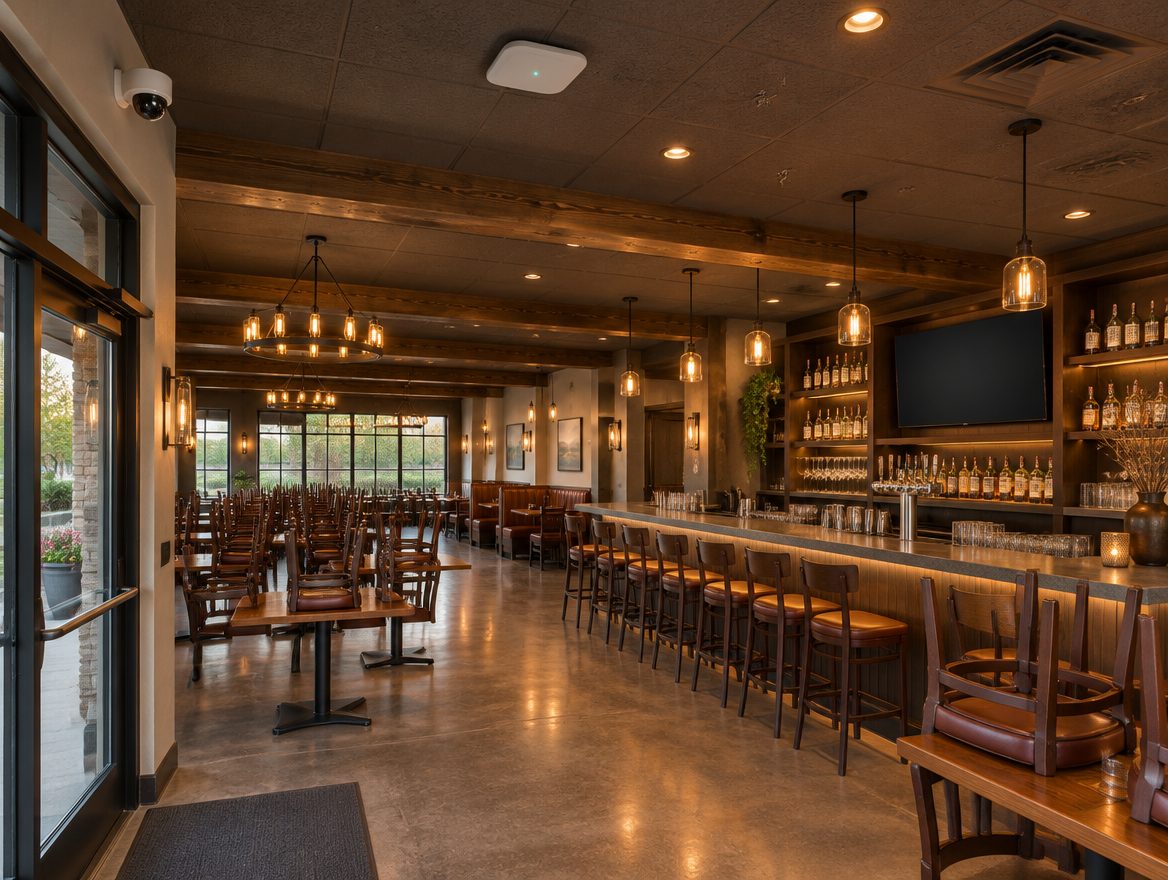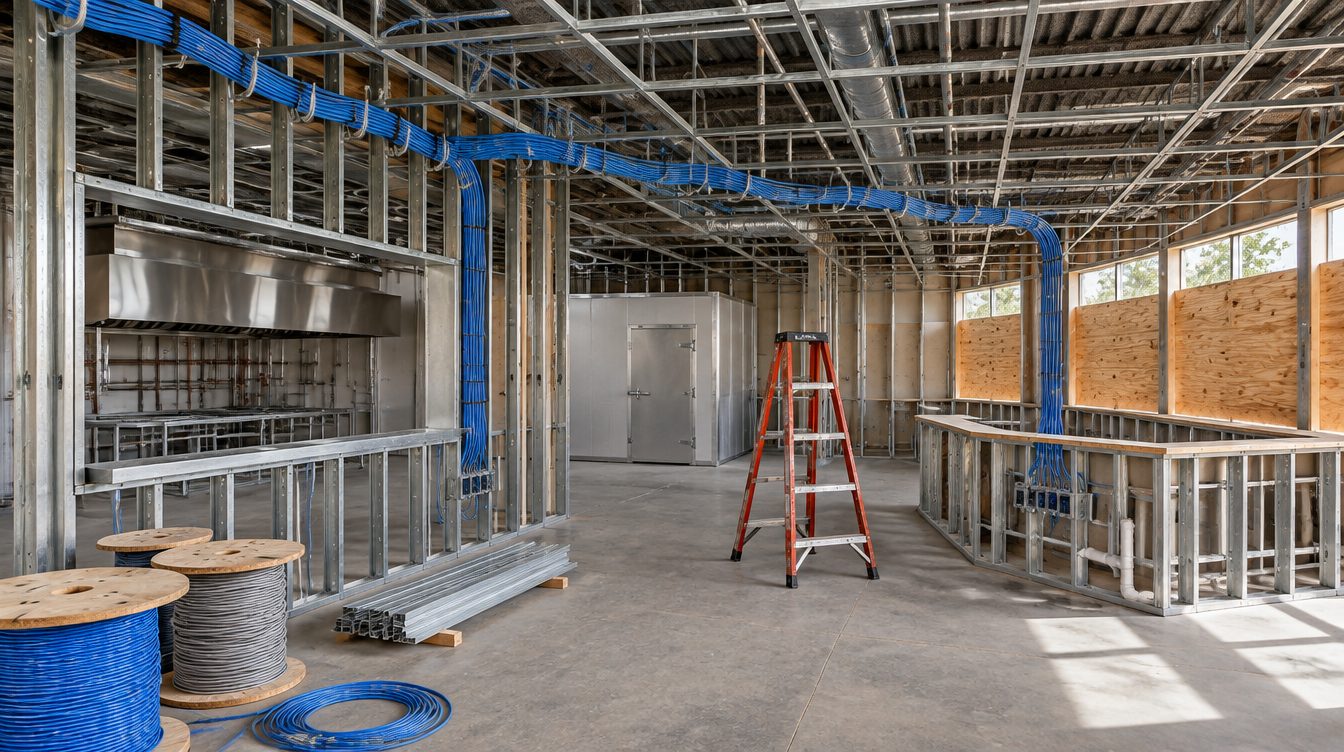
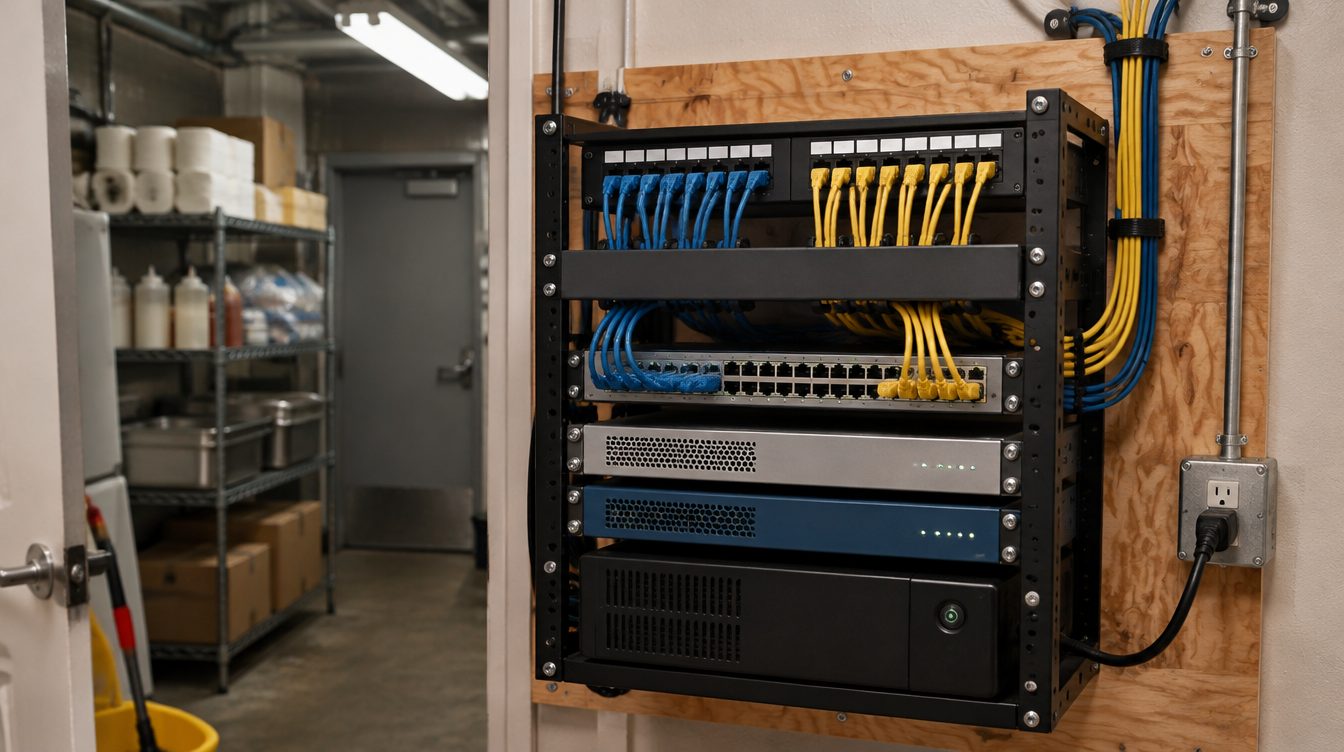
A Dallas restaurant buildout puts one ClearMax crew on the low-voltage side of the job: cable to every register and kitchen screen, ceiling access points, a closet with the switch and firewall, readers on the back doors, cameras over the cash and the boards above the counter. It is scoped, scheduled alongside the general contractor and tested before the POS company books its install visit.
Last updated: November 2026
- 1Count the devices. Terminals, receipt and kitchen printers, handhelds, kitchen screens, menu boards, readers and cameras, each pinned to a spot on the plan.
- 2Pull cable at rough-in. Data runs, door wiring and the closet circuit go in while the studs are still open, on the general contractor's calendar.
- 3Test, tag and hand over. Each run is tested, each port carries a tag, and the POS network is up and waiting for the vendor's date.
The day the POS installer shows up
The company that sells the registers sends someone to mount them, load the menu and train the staff. That visit assumes the building is ready for it. Toast, to take one vendor's published guide, states that Toast does not run networking cables. The same guide says Toast will not install if the location is in active construction. When drywall dust is still in the air, or a jack is missing at the expo line, the visit gets rebooked and the opening date slides with it.
The cure is sequence. Cable and the closet are finished first, painters and millwork follow, and the vendor arrives to a network that already passes traffic from the host stand to the back office.
What sits on the low-voltage side of the job
- Cabling and WiFi: a home run to each register, receipt printer, kitchen printer, card reader and kitchen display, plus access points sized for the dining room, the bar and the patio.
- A payment network of its own: Toast's network requirements say a VLAN should be set up for the Toast POS network, separate from all other traffic, so guest WiFi and the manager's laptop never ride on it.
- Cameras: the entrance, the cash drawers, the bar well, the stock room and the delivery door, recorded on a box in the closet.
- Door readers: the rear service door, the office and the liquor room, with hardware picked to fit the Dallas lock rules below.
- Screens: menu boards over the counter and display screens at the pass.
Electronic locks under the Dallas amendment
Dallas adopts the International Building Code with its own changes, and one of them rewrites the part on electronic locks. Dallas's Section 1010.2.11 permits approved, listed electronic locks on doors in any occupancy if the building is protected throughout with an automatic sprinkler system, a fire alarm system, a smoke detection system or UL268 smoke detectors on each interior side of every door with an electronic lock, and the locking units must be listed to UL294. As an exception, the same section exempts electronic strikes and electronic mortise locks that do not impede egress.
That exception shapes most restaurant door plans. A strike or mortise lock that still lets the lever or the bar open the door from inside keeps the exit free and keeps the work simple. A magnetic lock is a bigger job, and these items travel with it:
- Section 1010.2.11.2 says entrance doors in buildings with a Group A, B, E or M occupancy shall not be secured from the egress side while the building is open to the general public.
- The amendment has these locks automatically release upon loss of electrical power, and bars emergency backup power such as generators or batteries for the locking mechanisms.
- Section 1010.2.11.7 calls for a red release button between 40 inches and 48 inches above the floor, and says the device shall remain unlocked for a minimum of 30 seconds once it is used.
- Section 1010.2.11.3 says a separate permit is required to install electronic security devices, issued as an SE permit, and that the devices are functionally tested by the fire marshal.
So the door schedule names the lock type, the release, the button and the power supply for every controlled door, and the City's test date goes on the calendar with everything else. The lock power supply is kept apart from the battery that carries the network gear.
Menu boards and screens at the pass
Each menu board needs an outlet and a data drop behind its mount before the backsplash goes on, plus a plan for how the menu reaches it. Kitchen display screens at the pass are wired rather than left on WiFi, since a ticket that stalls during the lunch rush is a table left waiting. Brackets go where line cooks can read them without reaching across a burner.
The closet and the computers behind the registers
Every run lands in one locked room or wall cabinet: patch panel, switch, firewall, the camera recorder and a small battery unit for the network gear. It goes away from the dish pit, the fryers and the walk-in compressor, where heat and grease shorten its life. The back-office computer is set up for schedules, ordering and email. Every account, from the internet line to the camera app, is opened in the restaurant's name.
After opening, the drawings and the port map stay with the restaurant for the next change, and a managed IT plan is there for network monitoring and cybersecurity.
Card data and the Texas breach statute
Card numbers taken at the counter can fall under Texas law. Business & Commerce Code Section 521.002(a)(2)(A) counts a person's name combined with a credit or debit card number and any required security code as sensitive personal information if the name and the items are not encrypted. Section 521.053(b) then calls for disclosure without unreasonable delay and no later than the 60th day after the business determines the breach occurred, except as Subsection (d) provides or as needed to determine the scope of the breach and restore the system.
Keeping card traffic on its own network, and keeping switch logs, door logs and footage readable, is what lets an owner work out what happened inside that window. This site gives no legal advice; what a particular restaurant owes is a question for its own counsel.
Before the build starts: what Dallas owners ask
When should the low-voltage plan be drawn?
As soon as the kitchen layout and the seating plan are fixed. Moving a drop on paper costs nothing; moving it after the tile is set means cutting into a finished wall.
Can the restaurant keep serving during a refit?
Often, yes. Cable pulls and closet work are booked around service, in the early morning or on the day the dining room is dark, and the old network keeps running until the new one is tested.
What does the quote start from?
The floor plan, the device count, the target opening date and the list of doors that need readers. The quote is built from those details; if the job turns out larger, that is raised and the bid updated before the extra work happens.